
SERP: What It Is and How the Google Search Results Page Works
A SERP (Search Engine Results Page) is the page that Google displays in response to a user query. However, it is not just a simple list of ten links: alongside traditional organic results and paid listings (Google Ads), AI-generated modules such as AI Overviews now also appear. For a business in the world of online marketing, this is critically important, because a website's ranking position alone no longer reflects its full visibility - what also matters is how much screen real estate is taken up by other SERP elements and how directly that impacts traffic.
This has measurable consequences: rich SERP elements, known as SERP features (featured snippets, Local Pack, the "People Also Ask" section, Knowledge Panels, videos, shopping results), can capture user attention before the first organic link and limit its visibility in organic results. Below, we explain what a Google Search Engine Results Page (SERP) consists of, the most important factors influencing result rankings, and how SERP layout affects website traffic.
What exactly is a SERP and what parts does it consist of?
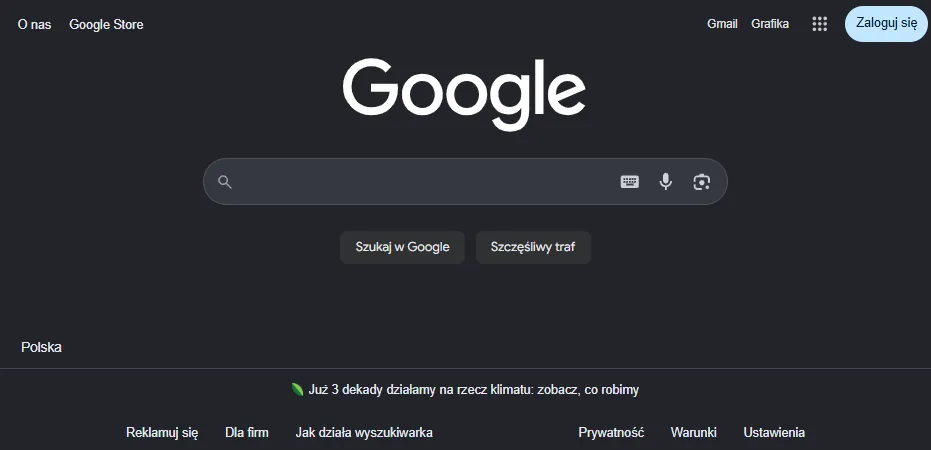
A SERP is generated dynamically for every query and combines paid ads with unpaid organic results. A third category consists of AI modules, such as AI Overviews, which appear only when the system deems them helpful, so they do not accompany every query. Each search result is thus generated in real time in response to a specific user query - which is why the same phrase entered at different times can produce a slightly different set of modules on the SERP.
A basic organic search result consists of a URL with a breadcrumb trail, a page title (title tag), and a short description (meta description) - these are the exact elements that determine whether a user clicks a given link on the search engine results page (the SERP). Sitelinks - links to key internal pages on the site - can also appear beneath the main link, shortening the user's path to their destination and increasing the likelihood of a click on the very first search result.
The ranking order of organic results is determined by several factors common to every search engine, although in practice this most often refers to Google. The first is page indexing; a visit from Googlebot alone guarantees neither indexing nor a position in the rankings. Beyond that, key factors include on-page optimization (page loading speed, metadata, heading structure, clean URL structure, and proper implementation of target keywords - meaning keywords selected to match user queries); unique, trustworthy, and linguistically sound content with keyword density matching the query; and a link profile where external link quality outweighs quantity - the sheer number of backlinks is not enough on its own if they come from random websites - while logical internal linking facilitates navigation for both bots and users. Search engine algorithms also account for result personalization for specific individuals. The scope of these activities is described, among other things, by SEO website positioning, or practical search engine optimization (SEO), which is part of the broader concept of search engine marketing (SEM). Without these factors, it is difficult to maintain a stable position among organic search results. Well-chosen keywords remain the cornerstone of this puzzle.
Paid results are PPC ads, clearly marked with an "Ad" or "Sponsored" label at the top of the SERP - these, rather than sponsored links on social media, most often shape the first impression on the search results page. They usually sit above organic results, less frequently at the bottom of the page or on the right side of the screen. Their ranking order is determined by the Google Ads auction, which considers the CPC bid, ad quality score, and landing page relevance - advertisers only pay for actual clicks, which is why sound budget management directly impacts the profitability of the entire ad campaign. Increasingly, paid search results compete for user attention not just with organic results, but also with AI modules.

What special elements appear in search results?
The Google results page has evolved from the historic 10 blue links model into a multi-module ecosystem powered by a web index spanning billions of websites, knowledge bases, Google Merchant Center, and Publisher Center. Individual rich SERP elements therefore draw on different data sources and entry criteria, and the appearance of the Google SERP for the exact same query can look completely different depending on which elements the system considers most relevant. It is worth remembering that every major search engine, not just Google, is now developing similar AI-driven modules.
| Module | Data Source | Appearance Criteria |
|---|---|---|
| Featured snippet (commonly known as position zero, or Google Featured Snippets) | web index | featured excerpts in the form of text, a list, a table, or an image, selected by Google as the response providing the most relevant and accurate summary |
| Knowledge card | Google database of 3.5 billion datasets | factual data about an entity |
| Knowledge panel | entity data (panel on the right side on desktop, i.e., along the side of the page) | description, photos, opening hours, ratings |
| Local pack | Google Maps with pins and local business data | complete contact information and business ratings, useful for local map queries |
| People Also Ask (PAA) | section with questions related to the query | content that directly answers user questions and quickly provides the information they need |
| Rich snippets | structured data (Schema.org: JSON-LD, Microdata, RDFa) | valid markup, with no guarantee of display; displays star ratings, review counts, product prices, tables, or thumbnail images |
| Google Shopping | Google Merchant Center | product data submitted to the platform |
| Google News | News Publisher Center | site submission |
| Tweets (formerly Twitter, now X) | social media trending topics (since 2015) | dynamically trending topic |
| AI Overviews | standard Google index | indexing and qualification for Google Search |
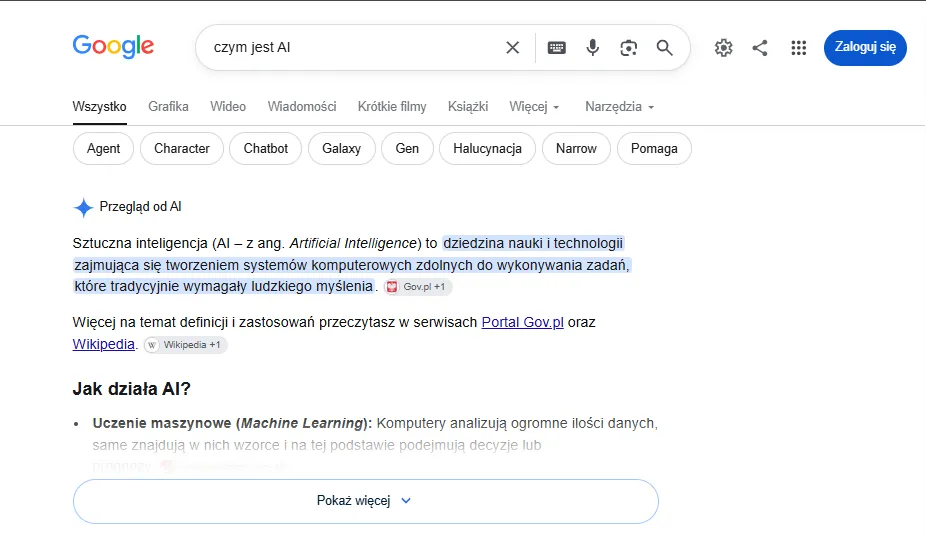
Featured snippets and AI Overviews most often occupy space at the very top of the SERP. Certain modules, such as the related searches section or additional ads, appear at the bottom of the page instead. There are no separate bots or markup for AI Overviews. AI Mode is a standalone generative feature that can use query fan-out - executing multiple related searches. Theoretically, FAQ rich results were phased out as of May 7, 2026.
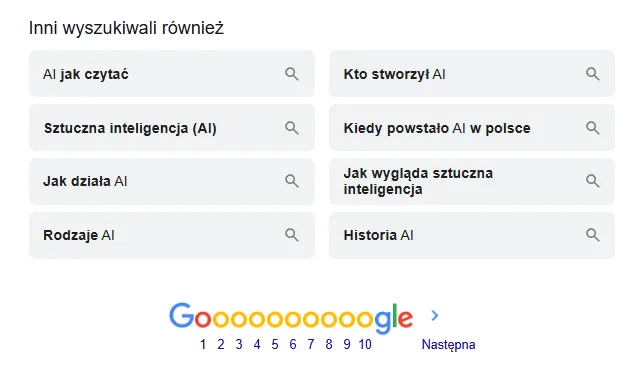
Images on the SERP also require visual content optimization: precise filenames, alternative text (alt), relevant textual context, clear URL paths, and balanced image framing - this is an aspect of SEO that businesses often overlook, yet it directly impacts visibility in Google Shopping as well.
Local businesses looking for local visibility will benefit from local SEO, while e-commerce stores can take advantage of e-commerce SEO. The layout of SERP elements depends on the query, location, and result personalization, while additional data from Google Shopping or local maps diversifies the SERP appearance even further for queries with local intent; understanding the SERP therefore requires looking at how it appears for real-world queries, not just in theory.
Why does the search engine results page layout change for different queries?
The appearance and hierarchy of modules are fluid because the search engine algorithm matches the order of blocks to search intent, user location, device, and language. The same query can therefore produce a different layout in Warsaw than in Gdansk, on mobile versus desktop, because the search engine constantly learns from user behavior and intent. Only the combination of location, device, and intent makes it possible to accurately interpret a user's search query.
However, modules at the top of the SERP can push the first result below the fold, and most users never go beyond the first page. According to benchmarks, the top three organic results historically generate over 50% of clicks (54.4%), and moving from position 2 to position 1 can increase CTR by nearly 75% - every step up in the rankings measurably increases the chances of a site visit. Dropping even a single position within organic results can therefore be costly for traffic, especially since the search engine evaluates separately each of the millions of web pages competing for a given phrase.
Search intents fall into four types, each altering the dominant elements:
| Intent | What typically dominates the search results page |
|---|---|
| Informational | definitions, Knowledge Graph panels, AI Overview summaries |
| Transactional | Product Listing Ads and components geared toward direct purchases, including responses to quote requests |
| Navigational | direct access to the brand website, often with sitelinks |
| Commercial | a mix of comparison content and product modules, often supported by paid ads |
Before creating content, check the Google search results for your target query, looking at it through the lens of the SERP - that is, the actual format Google promotes for that intent. If definitions and AI Overviews occupy the top, you need a concise, factual article - typical content optimization for informational queries. If you see product listing ads, a polished product page wins. Google often tests layouts, so treat this as a guide for an effective SEO strategy rather than a fixed blueprint.
Let's check your website's potential
Share your website and email - we'll get back to you with a real analysis, no strings attached.
How to analyze and measure your website's position in the SERP
SERP analysis is the process of examining and interpreting the pages and formats ranking in search engines for specific queries. It includes keyword research, identifying user intent, auditing competitor websites, evaluating competitor content quality, and finding content gaps. Beyond free search engine tools, third-party solutions help as well, such as Google Keyword Planner, Senuto, Surfer, Ahrefs, and SEMSTORM - using them is part of a broader SEO strategy that always combines data from multiple sources. Regular SERP analysis also reveals how search engine algorithms react to competitor actions, and a solid understanding of how search engines work makes it easier to plan content and effective SEO optimization.
Checking visibility in free Google tools
Google Search Console tracks rankings, impressions, clicks, and CTR (the number of clicks divided by the number of impressions). As of August 31, 2026, performance reports for generative AI features in Search and Discover are also available globally. They show impressions and URLs appearing in AI Overviews and AI Mode. A raw numerical position is therefore just one metric rather than a complete picture of website visibility. Structured data using the schema.org standard (such as in JSON-LD) can support rich results, but Google does not guarantee they will be displayed. Search Console is the first step toward understanding what your site looks like in the SERP (Search Engine Results Page) - tracking changes in SERP results helps you spot when a competitor earns a new featured snippet early on. Keep in mind, however, that Search Console only shows organic traffic; ad performance data can be found separately in the Google Ads dashboard.
Handling zero-click searches
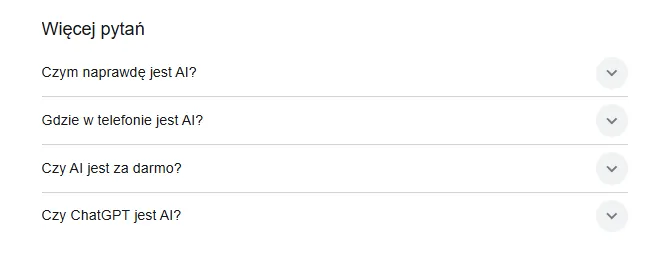
Zero-click searches occur when Featured Snippets, direct answers, or generative summaries answer a query right on the SERP screen. The People Also Ask section and generative answers increasingly resolve user questions before anyone clicks a result. In Search Console, filter for queries with high impressions and low CTR, then apply the following rules to regain control over the SERP:
- Check the layout. Enter the query into the search engine and identify which module occupies the top of the page.
- Improve the title and description. If the page is visible but no one clicks, update the title and meta description so they include the right keywords and promise more than just a basic definition.
- Align content with intent. When an answer requires context, a comparison, or a tool, expand the text with these elements and improve the overall content quality of the page.
- Reprioritize. For purely factual queries, treat visibility as a brand-building asset and shift SEO efforts toward queries with real click potential and better visibility.
Frequently asked questions
What is the difference between SERP and SEO?
A SERP (Search Engine Results Page) is the results page you see after entering a query. SEO (search engine optimization) is the set of optimization actions designed to improve a website's ranking on that page, helping the search engine rate it higher. The first term describes the place; the second describes how you earn it.
Why do I see different search results than someone else for the same query?
Google tailors results to location, device type, language, and search history. On top of that, there are layout tests and module selection based on query intent. That is why a website's SERP ranking is best tracked in Search Console rather than through a single manual search query.
Does buying Google Ads improve organic rankings in the SERP?
No. Ads and organic results are separate systems: ad placement is determined by an auction, while organic ranking is determined by indexing, optimization, and links. Advertising provides visibility above organic results, but it does not change unpaid rankings, which depend entirely on how a given page performs against other websites in the algorithm's evaluation.
How do you get a website featured in AI Overviews?
There is no separate markup or dedicated bot. The page must be indexed and eligible to appear in Google search. Focus on factual, unique content that clearly answers the question. Because AI Mode can use query fan-out - running multiple related searches - it helps to structure your content so it thoroughly addresses sub-queries around the main topic as well. However, appearing in AI Overviews cannot be guaranteed.