
How to Optimize Local SEO with Google My Business?
A Google Business Profile is an essential element in the process of local SEO for your company. In this article, I will show you how to set up a Google My Business profile and optimize it properly. You will learn why it is worth taking care of your presence on Google and what benefits come from it.
Google My Business - what is it?
Google My Business is a free tool from Google that allows businesses to manage their presence on Google Search. A Google Business Profile contains information about the company, such as address, business hours, phone number, customer reviews, and much more. It is a key element in a company's local SEO process.
What are the benefits of having a Google Business Profile?
A Google Business Profile allows you to reach a wide range of customers. Here are several benefits of having a Google Business Profile:Greater visibility in the search enginethanks to Google's service, your business will be visible on Google Search and Google Maps. The profile allows customers to easily search for your business.Ability to add business informationthanks to Google My Business, you can add a lot of information about your company, such as a business description, opening hours, business address, phone number, email address, website link, photos, and even a virtual tour of your business. The more information you include in your business profile, the greater the chance that customers will use your services or buy your products.Building reputation and trusta Google Business Profile enables customers to leave reviews about your company. This helps build brand reputation and trust.Showcasing your products and servicesthanks to the ability to add photos and videos, you can present your products and services in an attractive way.Integration with Google Maps - be visible on Google Mapsa Google Business Profile makes it easier for customers to find their way to your business location. In addition, if a user browses the area on Google Maps where your company is located, it will appear on the map.A Google My Business profile supports local SEOan account on GMB will allow you to better reach users searching for these types of businesses in a given location
I want to set up a Google Business Profile - how much does it cost?
Setting up a Google Business Profile is completely free. You can create a profile for your business on the Google My Business platform at no cost at all. All you need is a Google account, and then enter basic information about your company, such as name, address, phone number, opening hours, and a business description. You can also add photos, a logo, and other details that will help make your business stand out in search results. It is worth remembering that Google My Business also offers additional tools and features, such as statistics analysis, adding photos for a virtual tour inside your business, as well as posting updates and special offers. Some of these features may be paid, but setting up a basic profile is always free.
Let's check your website's potential
Share your website and email - we'll get back to you with a real analysis, no strings attached.
How to set up a Google Business Profile?
To set up a Google Business Profile, you need to create a Google My Business account and add your company. The whole process is simple and takes just a few minutes. Once your account is created, you will have the ability to add plenty of information about your business that will be visible to your future customers. You can add to your business profile, among other things, a business description, opening hours, business address, phone number, email address, website link, and photos.
Google My Business profile - easily and quickly set up a Google My Business profile
In a few simple steps, we will describe how you can create a business profile on Google My Business
- Go to the Google My Business website - https://www.google.com/business/
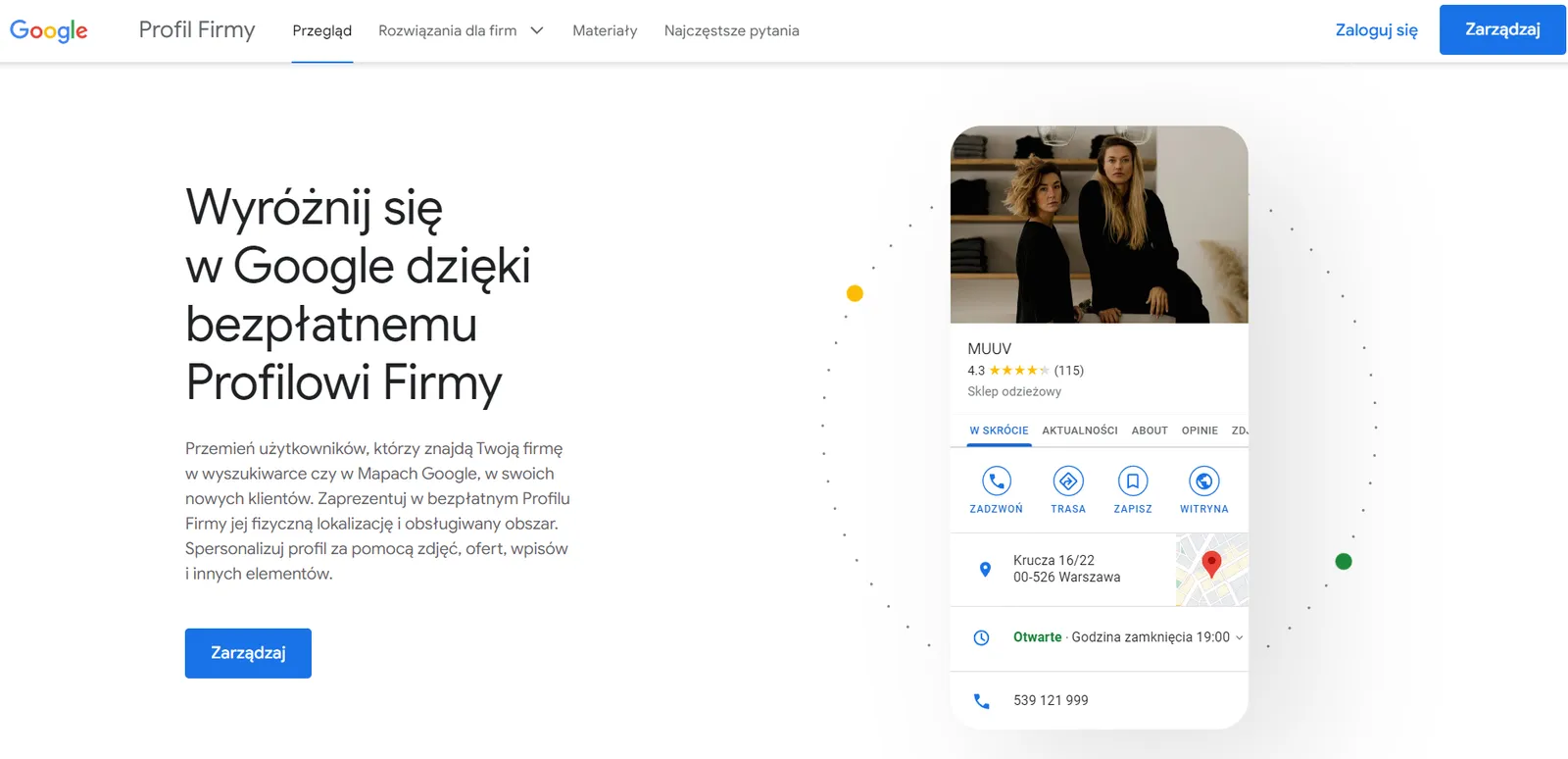
- Sign in using your Google account or create a new Google account if you do not have one yet.
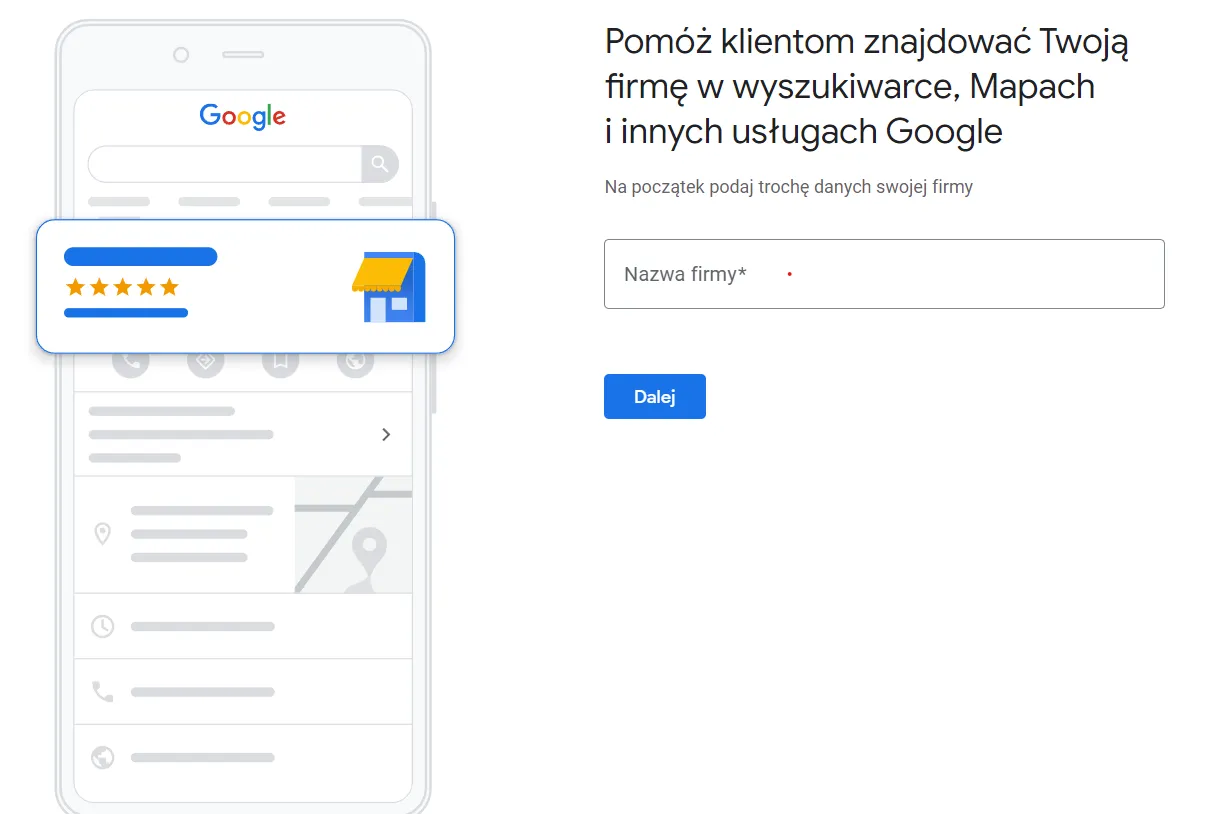
- Click the "Get started" button and enter your business name.
- Select your business category from the industry in which you provide services. This category helps potential customers find your business when they search for products or services that you offer. You can choose from:
- Online retail - offered items can be purchased in an online store
- Local store - Customers can visit your store in person,
- Service business - companies that travel to customers, as is the case in the catering industry, for example.
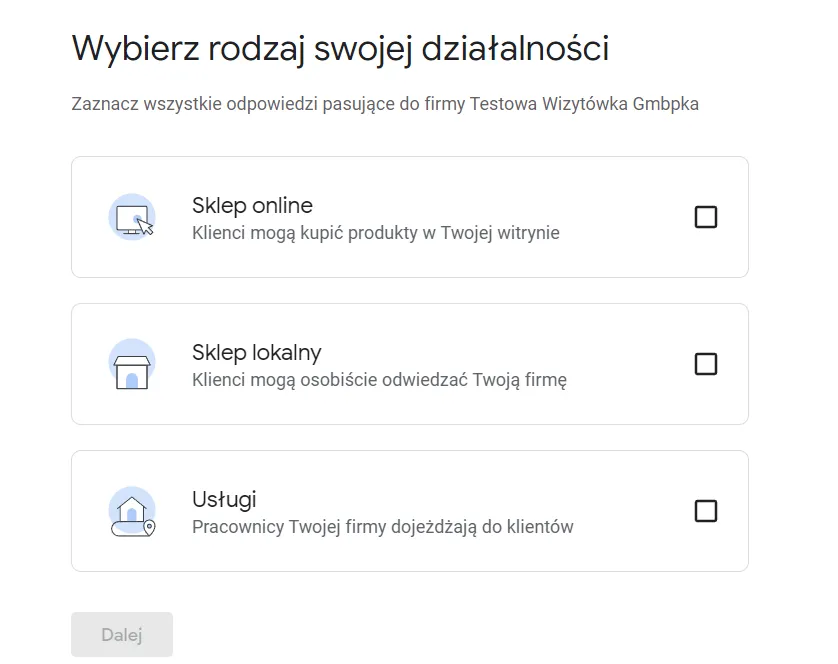
- Enter your business address if you want customers to be able to reach it easily. You can choose the option to keep your exact location hidden from the public.
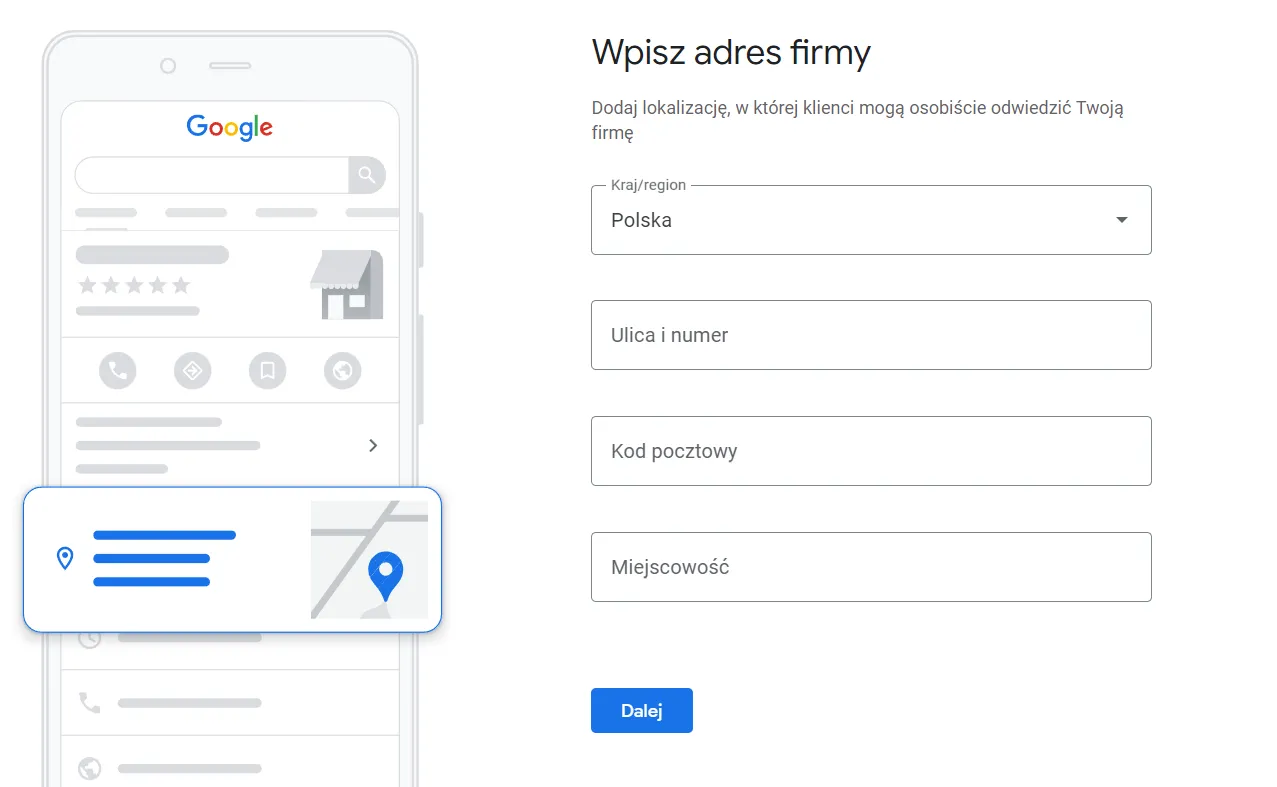
- Provide your company phone number and email address. You can also add your company website address.
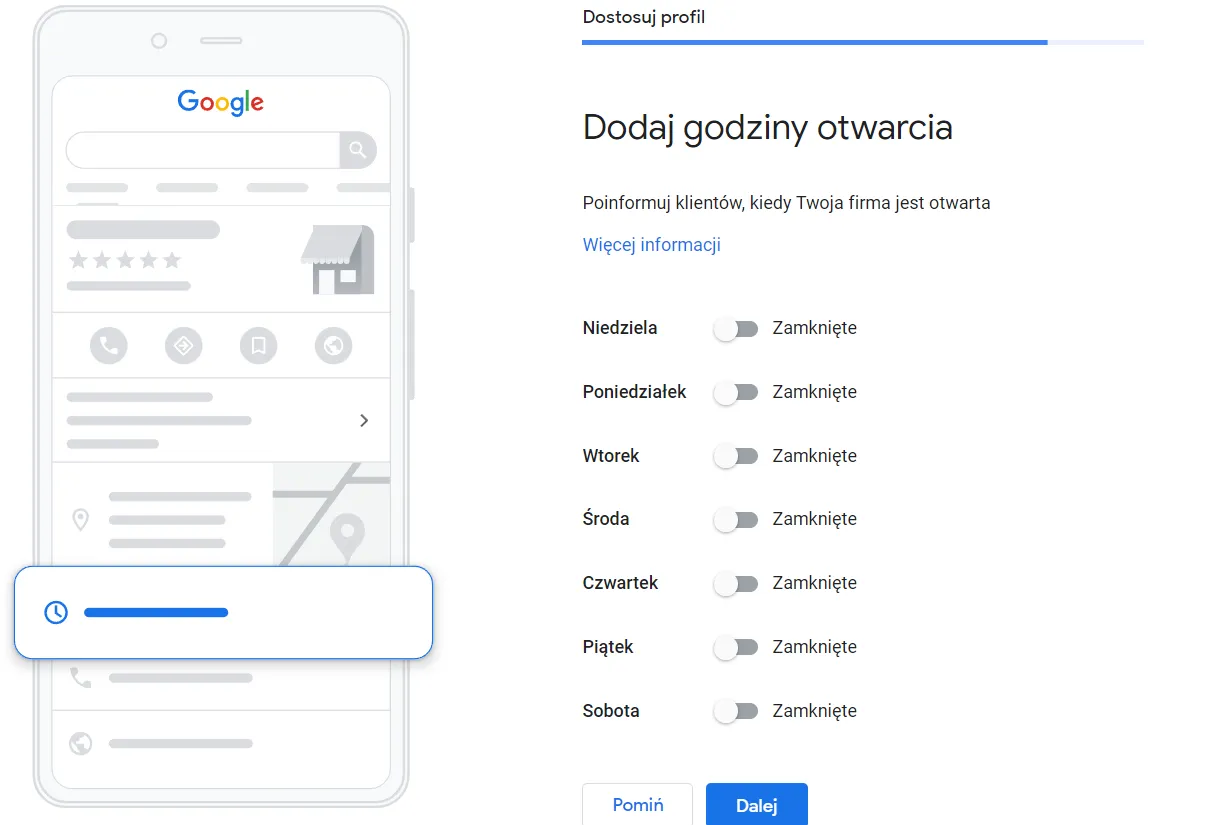
- Enter your busi hours of your business.
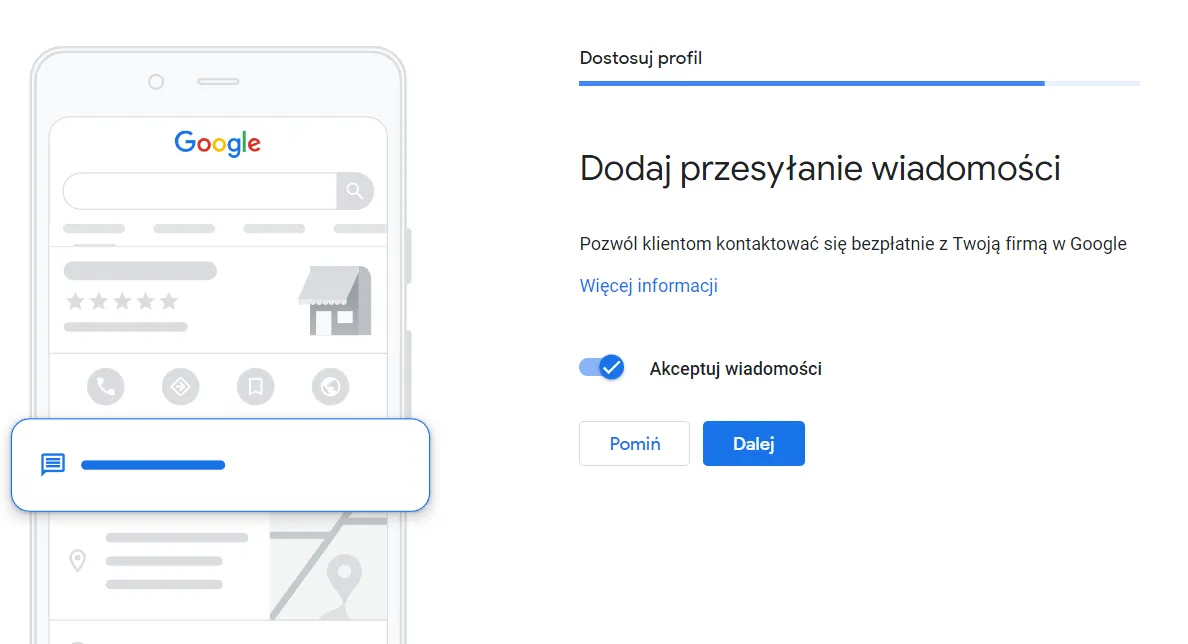
- In the next step, you can enable direct messaging from customers as a form of contact. Detailed information about this feature can be found under this link.
- In this step, you can also add a short business description that does not exceed 750 characters.
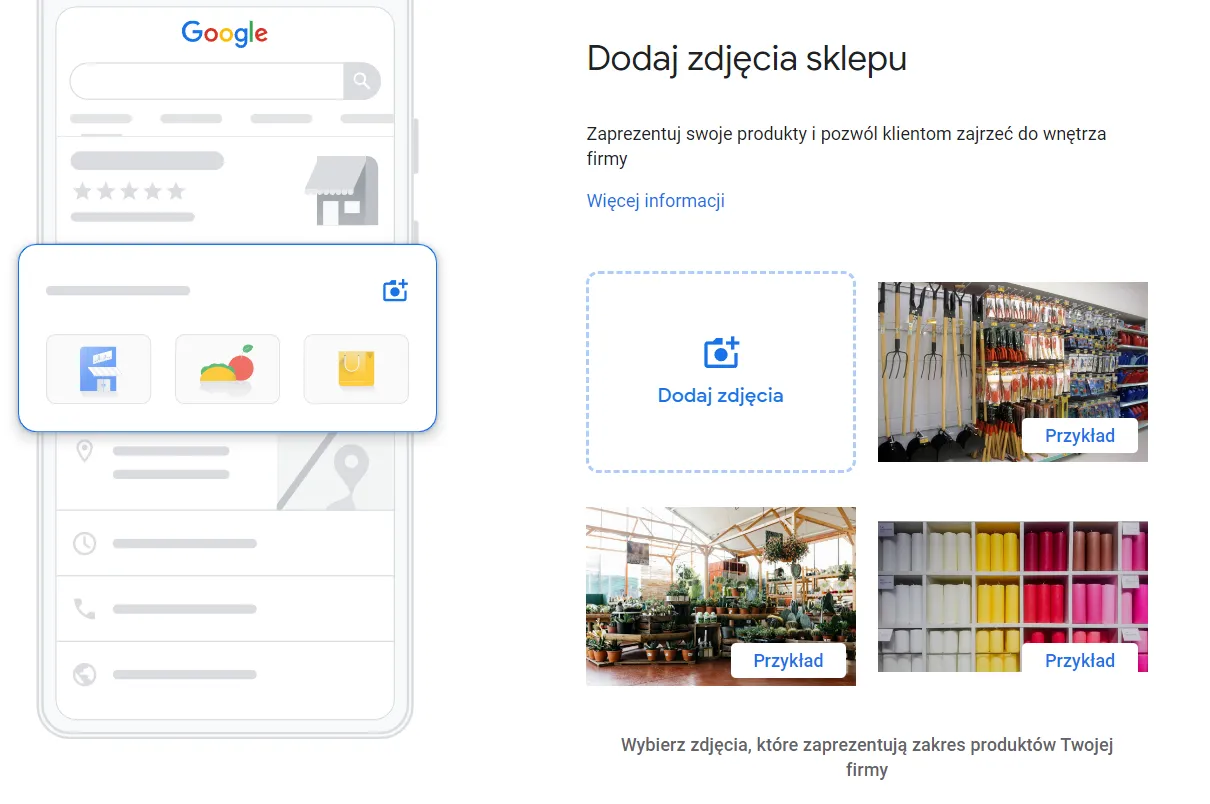
- You can add photos and videos to help customers get to know your business.
- Read and accept the Google My Business terms of service.
- Your Google Business Profile has just been created!
- The final step is its verification. There are various verification methods depending on your country and business type.
After successful verification, your Google My Business profile will be published and visible in Google search results and on Google Maps.If you want to edit the information provided during profile creation, you must log in to the Google My Business service using the Google account it was created with. Of course, you will also be able to add other users there who can help you manage the profile.
Google My Business and its verification - what is it?
Google Business Profile verification is a process confirming that the business that set up the profile is indeed its owner or authorized representative. This process ensures that the profile information is up to date and accurate.Google Business Profile verification can be carried out in different ways, depending on the business owner's preferences and options. Below are the most commonly used verification types:
- Postcard verificationGoogle sends a letter with a verification code to the business's physical address. The business owner must enter the code on the Google My Business page to confirm their identity.
- SMS code verificationsimilar to postcard verification, Google sends a verification code, this time to the phone number provided during profile registration. The business owner enters the received code on the Google My Business page.
- Verification via the Google My Business dashboardthe business owner can choose the option to verify the profile directly in the Google My Business dashboard. In this case, Google asks for a few details that will confirm the owner's identity.
- Phone verificationin some cases, Google may call the phone number listed on the profile and ask to confirm business information.
- Verification via documentsfor businesses having trouble verifying their profile using other methods, Google may request documents confirming the identity of the business and its owner.
Verifying your Google My Business profile is a crucial process that helps prevent false information on the profile and ensures Google users receive reliability and quality service from the business. You must successfully complete the verification process for Google to properly display the business profile across its services like Google Maps or organic search results.
What statistics are available in Google My Business?
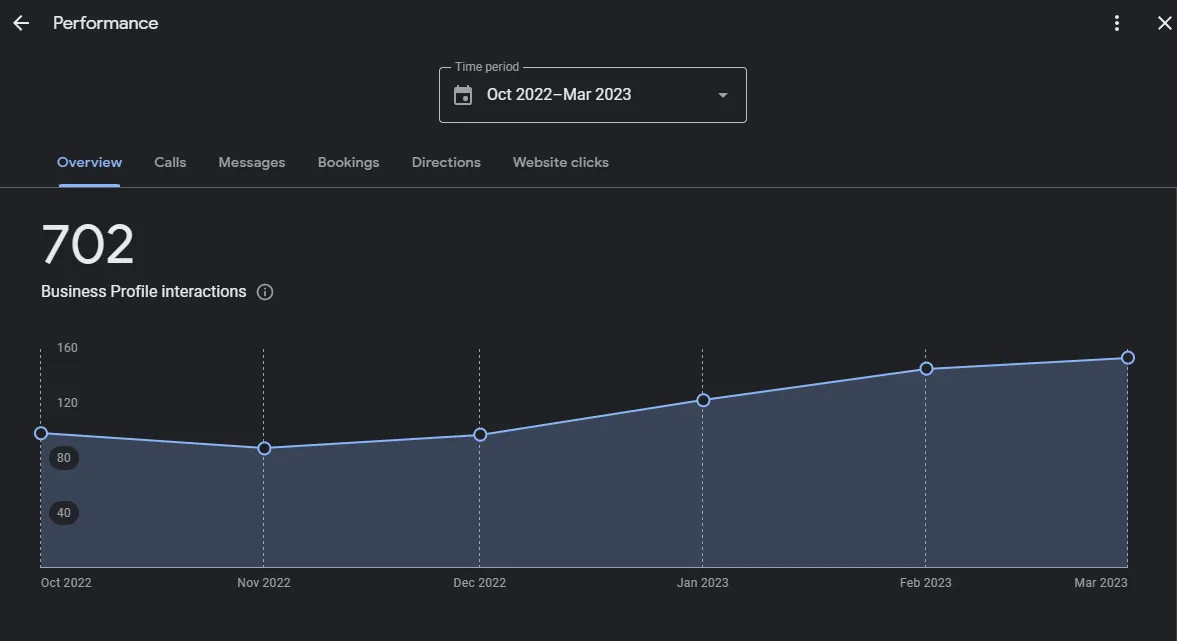
Google My Business provides a variety of statistics that help you understand how users interact with your Google Business Profile. The amount of information available about your business in Google search can be extremely valuable to you. Here are the most important ones:Profile views This is the number of users who viewed your Google profile in Google search results.SearchesThe number of searches by users who typed in your business name on Google and clicked on your profile. This is an important metric because it shows how often your business is searched for on the web.Photo viewsThis metric indicates how many times photos of your business were viewed on your Google profile. You can use this information to assess which photos are more appealing to users.Photo clicksThe number of clicks on photos on your profile. This way, you will learn which photos are most interesting to users and catch their attention.Callsthis is the number of phone calls made after clicking the number on your profile. This is a key metric because it allows you to understand how many people contact your business after finding it on Google.Clicks Clicks to websiteis the number of clicks on your company's URL placed directly below your Google My Business listing. This metric indicates how many people visit your website after finding your business on Google.Average ratingis the average rating of your business based on user reviews on your GMB profile. It is an important metric because it influences the decisions of users looking for information about your company online.
Why is optimizing a business profile important?
Optimizing your business profile is very important to ensure strong visibility in Google search results. Optimizing the listing for keywords related to your industry, as well as updating and adding new information to your profile, helps maintain a consistent company image on the Google platform and increases your chances of attracting more new customers.
Google My Business Profile - How to optimize your listing?
If you want to optimize your Google Business profile, you need to know that there are many factors to keep in mind. One of the most important elements is choosing the right keywords. It is worth conducting keyword research using tools such as Google Keyword Planner or Ahrefs to discover popular phrases that potential customers enter into the Google search engine. You can then include these keywords in your business description, which will increase your visibility in search results and on Google Maps.Your business descriptionA well-written description will help grab the attention of potential customers and increase the chances of them choosing your business. In the description, you should include the most important details about your company, including keywords. Remember that the description should be easy to read and engaging while providing essential information. Keep in mind that your business description on Google My Business is limited to only 750 characters.Photos on Google My Business.Adding photos of your company, products, or services will let customers see what you offer and boost engagement with your listing. Remember that photos should be high quality and accurately represent your business. These photos appear directly on your business profile on Google Maps.Adding important company links to your Google My Business listing.Add links to your website and social media profiles so customers can easily find more information about your business and your products or services.Posts, customer interactionTake advantage of advanced features like adding posts to stay in constant touch with users. Share information about your business on your Google My Business profile - key company events, current and upcoming promotions. Promote your products there.
Google My Business profile lets customers leave reviews.
After finding the business you represent on Google My Business, customers can leave a review. It is worth responding to these reviews. If they are positive - you should say thank you and encourage the customer to visit again. In the case of negative or inaccurate reviews - it is necessary to reply and set the facts straight. Potential customers pay attention to such elements, and your Google My Business profile gains authority.Check the Q&A section for your service and don't forget to answer questions from your potential customers!Other factors worth paying attention to include updating public data and tracking statistics:Regularly update your Google My Business listing to ensure that information about your company is always up to date and accurate. Monitor your Google My Business profile to see whether it is visible to users and whether it generates traffic and specific actions.Remember that Google My Business SEO, just like SEO itself, is a continuous, long-term process. Don't forget to regularly update and enhance your listing to maintain its top position in Google's organic search results.Creating a Google business listing is just the beginning; real success comes from constantly refining your profile and improving the quality of your services and products.
Will creating a Google My Business profile make me more visible on Google Maps?
Yes, by setting up a business profile, your company will be more visible on Google Maps. There is a strong chance it will be displayed to users searching for solutions related to your location or industry.
Summary
It is hard to find better promotion for your business than setting up a business listing on Google My Business. It is an extremely effective tool that allows companies to manage their online presence efficiently. Thanks to a Google profile, your business will be more visible in search results and on Google Maps, making it easier for you to reach potential, especially new, customers.Remember that for a Google listing to work effectively, it must be properly optimized. Make sure to add the right keywords, complete all essential business information, track the traffic and views of your Google My Business profile, and regularly check questions asked by customers or reviews left by them. I believe that thanks to this article and your proper optimization of the Google My Business listing - your company will have a greater chance of success online.